
 Theo - t3․gg
I hated making this video...
Summary
AI summaries can be incomplete or wrong. Verify anything important against the original video.
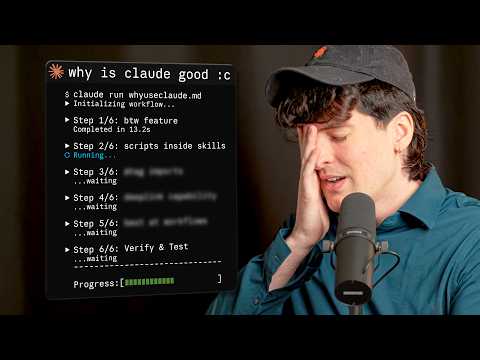
This video is a detailed technical walkthrough of advanced features in Claude Code, including custom skills, agent workflows, and terminal configurations.
The video provides a comprehensive exploration of Claude Code's advanced features, focusing on how developers can customize the agent to improve productivity. The host walks through creating custom skills as markdown files with executable scripts, demonstrates how to import files into configuration for better context, and explains how to set up sophisticated agent workflows for complex, staged tasks. The tutorial also highlights configuration tweaks for the Claude Code terminal UI, such as full-screen rendering and remote control functionality via phone, and offers pragmatic advice on managing usage limits when running intensive workflows. The overall goal is to demonstrate how these features can be leveraged for faster, more automated development processes despite potential cost implications.
Steps to follow
Locked-
1
-
2
-
3
-
4
-
5
Key Points
LockedWorth watching if: You are a developer already using Claude Code who wants to move beyond basic interactions and learn how to build automated agent workflows or customize the tool's behavior for specific project needs.
Sign in to unlock the full extract
Every claim, key point, and timestamp for this Theo - t3․gg video — plus a daily email of every channel you follow.
Sign in with GoogleNo credit card. Free tier forever.