
 Tech With Tim
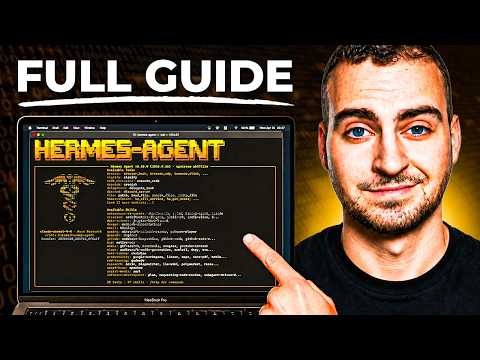
Hermes Agent - Full Course & Setup Guide - For COMPLETE Beginners
Summary
AI summaries can be incomplete or wrong. Verify anything important against the original video.
This video provides a complete guide for setting up and configuring the Hermes Agent, an open-source personal AI assistant. It covers the fundamental concepts, security best practices, and a step-by-step installation process for beginners using a Virtual Private Server (VPS).
The tutorial introduces the Hermes Agent as a powerful, self-hosted, personal AI assistant designed to handle background tasks such as email management, calendar organization, and web research. The presenter emphasizes that it is a persistent assistant rather than a simple chatbot, capable of taking autonomous actions and learning from user interactions. The course structure is designed for users with no prior experience, ensuring they understand the foundational architecture—memory, skills, soul, automated scheduling, and its self-improving loop—before proceeding to deployment.
Following the conceptual overview, the video guides the viewer through the practical installation process, starting with the provisioning of a Virtual Private Server (VPS) on Hostinger. The presenter details the setup of credentials, the importance of security (such as the principle of least privilege), and the configuration of the Terminal User Interface (TUI). A major focus is placed on the 'automated GitHub backup' feature, which the presenter advocates for to ensure persistent memory and restore capabilities.
Finally, the video demonstrates how to integrate the agent with external tools using the Composio platform. By connecting services like Gmail and Google Calendar, the user gives the agent functional tools to execute tasks autonomously. The instructor concludes by troubleshooting a connection issue in real-time to demonstrate the agent's self-correcting nature and encourages users to experiment with various workflow automations, such as email triage and habit tracking, to fully leverage the agent's capabilities.
Steps to follow
Locked-
1
-
2
-
3
-
4
-
5
Key Points
LockedWorth watching if: You are interested in setting up a powerful, self-hosted AI personal assistant and want a comprehensive, step-by-step walkthrough from a technical perspective. This is ideal for those who prefer to have complete control over their AI's data and workflows.
Sign in to unlock the full extract
Every claim, key point, and timestamp for this Tech With Tim video — plus a daily email of every channel you follow.
Sign in with GoogleNo credit card. Free tier forever.